Module 0: Before the Leap
Step 1: Check your hardware
⚡ Fast track
Open the terminal and run:
lspci | grep -E "VGA|3D"
This shows your graphics card.
Look for: NVIDIA, AMD, or Intel
🐢 I want to understand
Why check hardware?
Bazzite handles most hardware automatically, but your graphics card (GPU) matters:
- NVIDIA: Works, but needs proprietary drivers (included)
- AMD: Perfect, open-source drivers built-in
- Intel: Also perfect, great for laptops
The command lspci lists all PCI devices. We filter for VGA (graphics) and 3D controllers.
✅ Checkpoint
Did you see your graphics card? If yes, you're good to go!
📸 How it should look
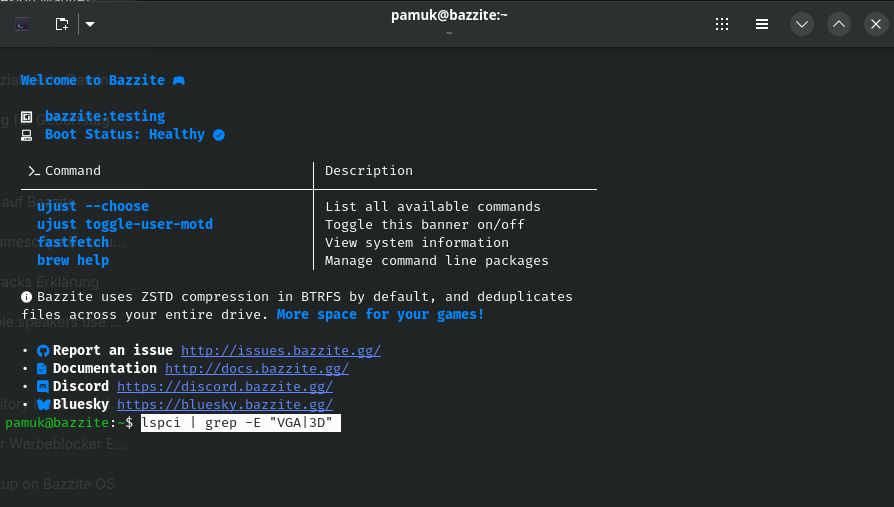
✅ Correct output – you see your GPU